Tiny Locket Studio (Beta)
See your photo inside. Just upload a favorite photo and see how it would look tucked inside your tiny Honeycat locket.
Choose your locket
Necklaces
Rings
Charms
Selected: Heart Locket Ring
Next, upload your photo in Step 2
Upload a photo
Your photo never leaves your device. It's used only for this preview and is never uploaded or stored.
For Photo Insert Service: We recommend an original, high-quality image at least 1000 px on the shortest side. Just previewing? No minimum image size required.
Position the photo
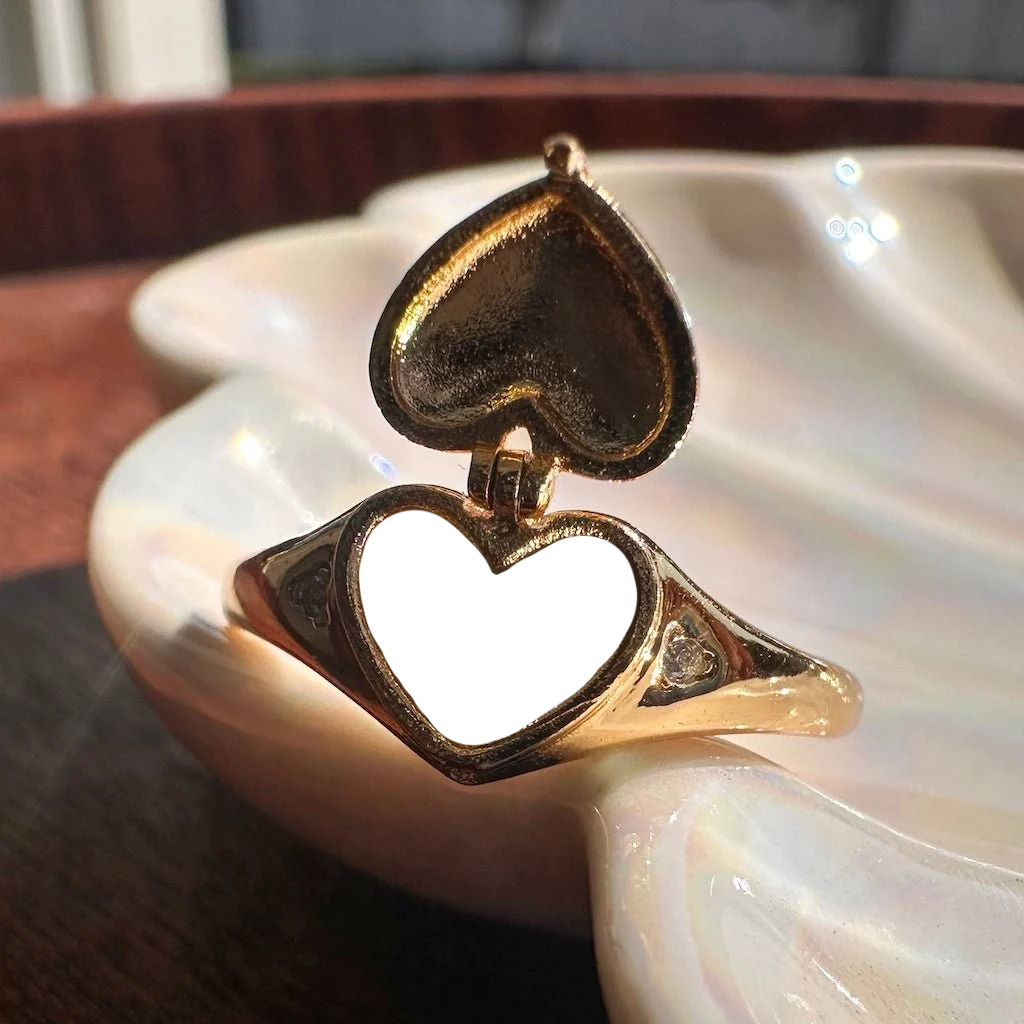
Upload a photo to see it here.
Preview
Image shown on screen is not an exact representation of the item. Please check the item measurements on the product page before ordering.
Finish
Want us to print + insert your photo?
Save your preview first, then continue to our Photo Insert Service. You'll send us your original high-resolution photo and this preview so we know exactly how you'd like it positioned.
Upload and position a photo first.
The saved preview is a positioning reference only - it doesn't replace your original high-resolution photo.